Selling Fabric on Shopify: Sell by the Yard or Metre
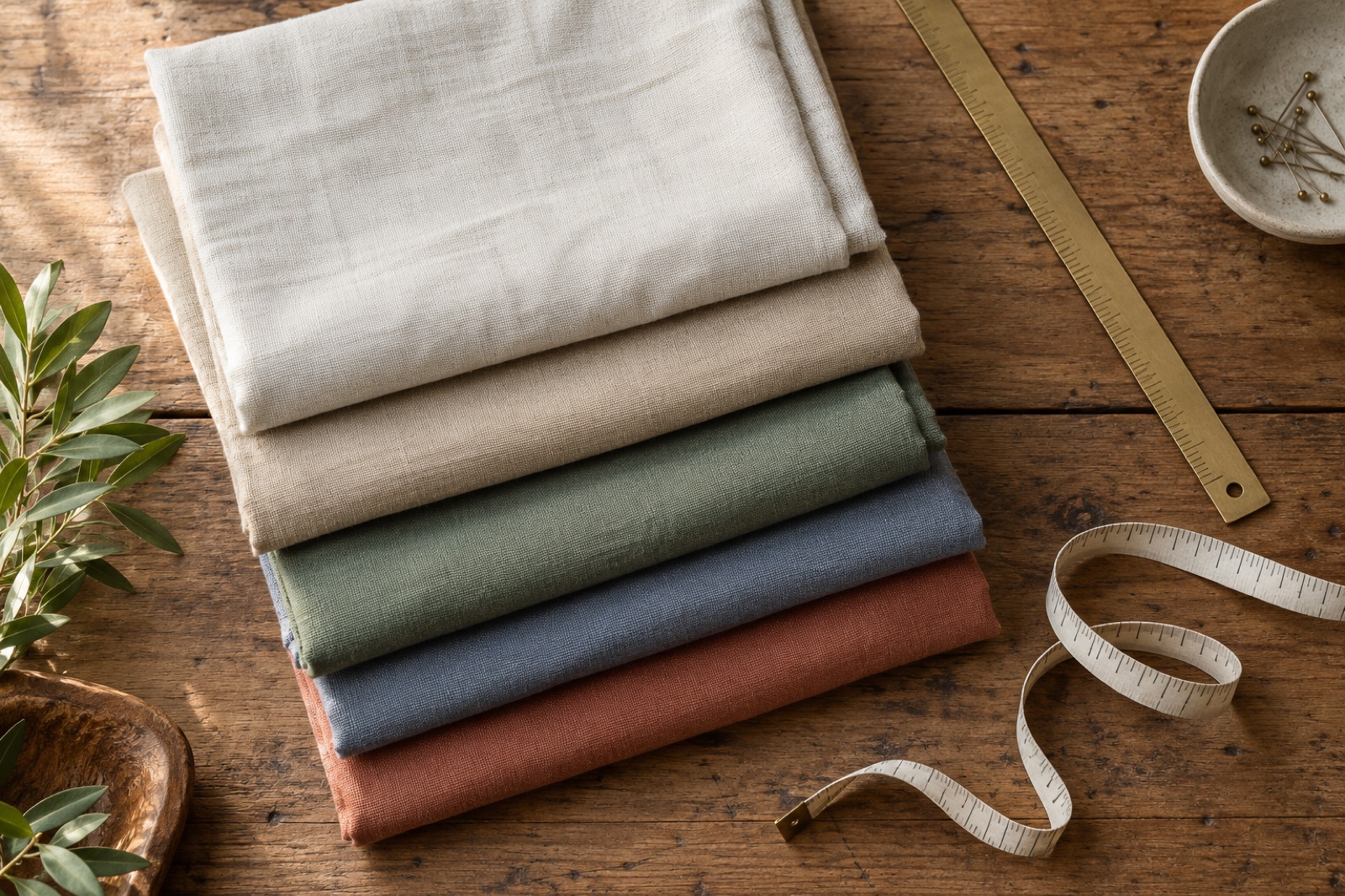
Short answer: how to sell fabric by the yard on Shopify
Shopify sells whole-number quantities, so it will not take "2.75" as a quantity. To sell fabric by the yard, define one purchasable cut unit (for example 1/4 yard), price that unit in the Shopify catalog, convert the shopper's requested length into a whole number of units, and enforce the minimum, increment and maximum in the cart. A Shopify fabric calculator for selling by the yard or metre automates the conversion and the enforcement. Shopify itself confirms fabric is a sellable category; the catch is only in how you model length.
You need to settle four decisions before touching any settings:
- Cut unit: the smallest length you will cut, such as 1/4 yd or 0.5 m.
- Minimum cut: the least a customer can buy, such as 1/2 yd (2 units).
- Increment: the step between valid lengths. Usually the same as the cut unit.
- Maximum and stock limit: the most one order can contain, tied to what is left on the bolt.
Why selling fabric on Shopify breaks by default
Out of the box, a Shopify cart line has an integer quantity and a price per unit. Fabric customers think in "2 and three quarter yards", and the gap between those two models is where orders go wrong. Most stores patch it with one of three workarounds, and each one has a cost.
Workaround 1: one variant per length
You create variants for 1 yd, 2 yd, 3 yd and so on. It works for a single cut, but it bloats the catalog: at 1/4 yd steps up to 10 yd, that is 40 variants per print, and 200 prints means 8,000 variants to price, stock and maintain. It still misses odd requests like 2.5 yd unless you add even more variants. Every price change becomes a bulk edit.
Workaround 2: quote forms and "message us your length"
A form removes the cart from the sale. Someone on your team replies, calculates the total, creates a draft order and waits for payment. That is hours per week of manual work, and shoppers who wanted to buy at 9 pm leave.
Workaround 3: a note field nobody enforces
A text box asking "How many yards?" looks like a fix. Then a shopper types "3.5" in the note, leaves the cart quantity at 1, and checks out. You ship 1 yard, 3 yards or 4 yards depending on who reads the order. The result is a wrong cut, a support ticket and often a refund on fabric you can no longer sell as a full length.
The same pattern shows up in other cut-to-size categories. Our guide on how to sell by square foot on Shopify walks through the same package-rounding logic for flooring, and it applies directly to yardage.
Step 1: Choose your cut unit and price it from the Shopify catalog
The charge always comes from the Shopify product or variant price multiplied by the quantity in the cart. So the pricing question is: what does one cart unit represent?
| Option | Cart unit | Good for | Trade-off |
|---|---|---|---|
| Price per yard | 1 yd | Heavy upholstery, simple catalogs | Cannot sell a partial yard |
| Price per 1/4 yard | 0.25 yd | Quilting cotton, apparel fabric | Quantity numbers get larger |
| Price per half metre | 0.5 m | Metric markets | Needs a metre-based display |
Worked example: a cotton priced at $18 per yard, sold in 1/4-yd units.
- Price per unit: $18 / 4 = $4.50 (set as the Shopify product price)
- Shopper wants 2.75 yd: 2.75 / 0.25 = 11 units
- Cart quantity 11 x $4.50 = $49.50
Yards and metres
One yard is 0.9144 m, so 1/4 yd is about 22.9 cm. If you price at $18 per yard, that is about $19.69 per metre. For international stores, pick one selling unit and show the other as a reference. A metric shop might sell in half-metre units: a shopper asking for 1.3 m needs 2.6 units, which rounds up to 3 units (1.5 m). Do the conversion once, in the calculator, rather than asking customers to do it.
Step 2: Set minimum cut and cut increment
Typical fabric rules are a 1/2 yd minimum and a 1/4 yd increment. Choose them based on what your cutting table can do and what a shopper can reasonably use. Fat quarters (an 18 x 22 in piece, which is a half-yard cut divided in two) are better as their own product, sold as plain whole-number pieces, because they are a fixed item rather than a length.
Worked example: a shopper wants 1.1 yd and your increment is 1/4 yd.
- 1.1 / 0.25 = 4.4 units
- Round up to 5 units
- 5 x 0.25 = 1.25 yd, billed at 5 x $4.50 = $22.50
Round up, not to the nearest
Rounding to the nearest unit would sell 1.1 yd as 1.0 yd, so the shopper receives less than they asked for. For a project they are measuring, that means a short cut, and fabric cannot be added back to a bolt that has already been cut. Rounding up gives them a little extra and keeps the order correct.
Here is how common requests behave at $18/yd, with a 1/2 yd minimum and 1/4 yd increment:
| Requested | Units needed | Billed length | Total |
|---|---|---|---|
| 0.4 yd | 1.6, minimum applies | 0.5 yd | $9.00 |
| 1.1 yd | 4.4, rounds to 5 | 1.25 yd | $22.50 |
| 2.5 yd | 10 | 2.5 yd | $45.00 |
| 2.6 yd | 10.4, rounds to 11 | 2.75 yd | $49.50 |
| 3.3 yd | 13.2, rounds to 14 | 3.5 yd | $63.00 |
Maximum cut and inventory in cut units
Track inventory in the same unit as the price. A 15 yd bolt at 1/4 yd units is 60 in stock. Set a maximum per order so a shopper cannot request more than what is left on the bolt, and decide whether you let them take the remainder at a short length.
Step 3: Calculate how much fabric the project needs
Many shoppers do not know their yardage; they know the project. A calculator that starts from the project dimensions and fabric width removes the guesswork. Two inputs matter most: the fabric width (commonly 44/45 in for quilting cotton, 54 or 60 in for many apparel and home decor fabrics) and the finished dimensions.
Usable width is a little less than the printed width because of selvages and shrinkage. The examples below assume about 42 in usable from 44/45 in fabric and about 52 in usable from 54 in fabric. Treat those as example figures and set your own.
Worked example: quilt backing. A 60 x 72 in quilt top needs backing about 4 in larger on every side, so 68 x 80 in.
- One 42 in usable width is not enough for 68 in, so you need 2 widths seamed together (84 in).
- Each width is 80 in long: 2 x 80 = 160 in.
- Add 10% for shrinkage and trimming: 160 x 1.10 = 176 in = 4.89 yd.
- Round up to the 1/4 yd increment: 4.89 / 0.25 = 19.56, so 20 units = 5.00 yd.
- At $18/yd: 20 x $4.50 = $90.00.
Larger quilts quickly need three widths from 44 in fabric, which is why many quilters buy wide backing instead. Your calculator should make the width an input, not an assumption.
Worked example: width changes the answer. A pair of curtain panels needs 100 in of flat fabric width and 96 in of length each (including hem and header allowance).
- From 54 in fabric (about 52 in usable): 100 / 52 = 1.92, so 2 widths. 2 x 96 = 192 in = 5.33 yd, or 5.87 yd with 10% waste, rounded up to 6.00 yd.
- From 44 in fabric (about 42 in usable): 100 / 42 = 2.38, so 3 widths. 3 x 96 = 288 in = 8.00 yd, or 8.80 yd with 10% waste, rounded up to 9.00 yd.
The waste percentage is the merchant's call; 10% is only an example. For the broader logic of adding allowance before rounding, see our guide to cart and waste calculations.
Pattern matching and directional prints
Large repeats, stripes, plaids and one-way prints need extra length so the pattern lines up across seams. Either add a separate allowance for those products, or tell customers to add a repeat length to their request. A one-way print also cannot be turned to save fabric, which matters on wide-width layouts.
Step 4: Enforce the rules in the cart
Rules shown on the product page do nothing if the cart accepts anything. Enforce these four things:
- Minimum: no order below 2 units (1/2 yd).
- Increment: quantities move in valid steps.
- Maximum: never more than the bolt or order limit.
- Per product or variant: a swatch, a fat quarter and a bolt of canvas will each have different rules.
The length the shopper entered should stay attached to the cart line, and any displayed coverage should update when they change the quantity. Otherwise the cart shows "11" and nobody knows what that means.
Before you go live, run this test checklist in your own theme:
- Request a length that needs rounding (1.1 yd) and confirm the cart quantity and total match your table.
- Edit the quantity in the cart up and down, and confirm the length display updates.
- Try to go below the minimum and above the maximum.
- Repeat on a phone, since cart drawers and sticky buttons behave differently on mobile.
- Test Buy It Now and accelerated checkout buttons.
- Add the same print twice with different lengths, and confirm the cart handles two lines or merges them correctly.
- Complete a test order and check the order shows the right quantity and length.
Setting this up with Shoperize Price Calculator
Shoperize Price Calculator turns a shopper's measurement into purchasable Shopify quantities, coverage and an estimated total. For fabric, the mapping is straightforward: your "package" is one cut unit, the shopper enters a length (and width where it matters), and the calculator rounds up to whole units. Charges still come from your Shopify catalog price, not a replacement price.
- Pick the product and set its Shopify price to the price per cut unit (for example $4.50 per 1/4 yd).
- Configure unit conversion (yards, metres, inches, centimetres) and the package size as one cut unit.
- Add a waste allowance if you want it applied before rounding.
- Set rounding to round up, then set the minimum and maximum limits.
- Assign the rule to the products or print collection it applies to.
You can create a rule manually, start from a template, or generate an editable AI draft and adjust it (plan limits apply). The free plan supports one published area calculator on up to three products, and some capabilities depend on your plan. Check the App Store listing for what your plan includes before planning a length-based setup. If you are comparing options first, our custom price calculator app buyer's guide covers what to look for, and the Price Calculator launch on the Shopify App Store post explains what shipped.
Dye lots, bolts and continuous cuts
Fabric from different dye lots can differ in shade, so an order should come from one bolt wherever possible. This ties directly to your quantity rules: set the maximum order length to what remains on the bolt, and decide what happens when a customer needs more. Common choices are a short note on the product page ("Orders over X yd may ship from a second lot, contact us"), or splitting the SKU per lot.
For continuous cuts (one uninterrupted piece), a quantity cap per bolt is the cleanest enforcement. Other operational points:
- Swatches: sell them as a separate low-price product with a low maximum (for example 5 per order), so they do not distort yardage inventory.
- Cut goods and returns: most fabric shops treat cut-to-order fabric as final sale or restock only uncut returns. Write it clearly on the product page and check your local consumer rules.
- Cutting time: rounding up and a minimum cut help protect you from many tiny orders that take as long to pack as larger ones.
Is selling fabric on Shopify worth it?
It can be, but there is no honest universal number. Margin depends on your sourcing, landed cost (including freight and duties), how much shrinkage and offcut waste you absorb, and your return rate on cut goods. The store setup above affects the last two: correct cuts mean fewer refunds and support tickets, and fewer manual quote replies means less labour per order.
Quilts are finished goods, so they are normal Shopify products with variants for size and colour, no length rules needed. Second-hand clothing is generally sellable on Shopify, but it is a different workflow (one-of-a-kind items, quantity 1, condition photos). Read Shopify's current policies and your local regulations before listing.
Try it on one print first
Pick one best-selling print, define its cut unit and minimum, and run the cart test checklist above. When it works, you can install Shoperize Price Calculator from the Shopify App Store, see product details at calculator.shoperize.com, and find setup help at help.shoperize.com.
Frequently Asked Questions
Can Shopify handle fractional quantities like 2.5 yards?
Not natively. Shopify cart quantities are whole numbers, so you model 2.5 yd as a number of cut units, for example 10 units of 1/4 yd. An app that converts the requested length into units keeps the shopper from having to do the math.
How do I set a minimum cut and increment?
Decide the cut unit first (such as 1/4 yd), then set the minimum as a number of units (2 units for a 1/2 yd minimum) and the increment as one unit. Use a calculator or rule that rounds up and enforces those limits in the cart, then test it on your theme.
How do I stop customers ordering invalid lengths?
Do not rely on a note field or instructions on the page. Enforce the minimum, increment and maximum on the cart quantity itself, and test quantity edits, mobile, Buy It Now and duplicate lines before launch.
How do I price fabric per yard versus per quarter yard?
Take your per-yard price and divide it by the number of cut units in a yard. At $18 per yard, a 1/4 yd unit is $4.50 and a half-metre unit is about $9.84. Set that unit price in the Shopify catalog and let the cart quantity count units.
Can I make money selling fabric?
Yes, but margin varies with sourcing, landed cost, waste and returns on cut goods. Accurate cuts, a clear return policy for cut fabric and less manual quoting all protect your margin.
Can I sell second-hand clothes on Shopify?
Generally yes, but it is a different workflow from yardage: items are usually one of a kind with quantity 1. Check Shopify's current policies and your local rules before you list.
How do I sell a quilt online?
A finished quilt is a regular product, with variants for size or colour and clear photos and dimensions. Length rules are only needed when you sell fabric by the cut.