Shopify Sell by Length Reddit Threads: What Works (2027)
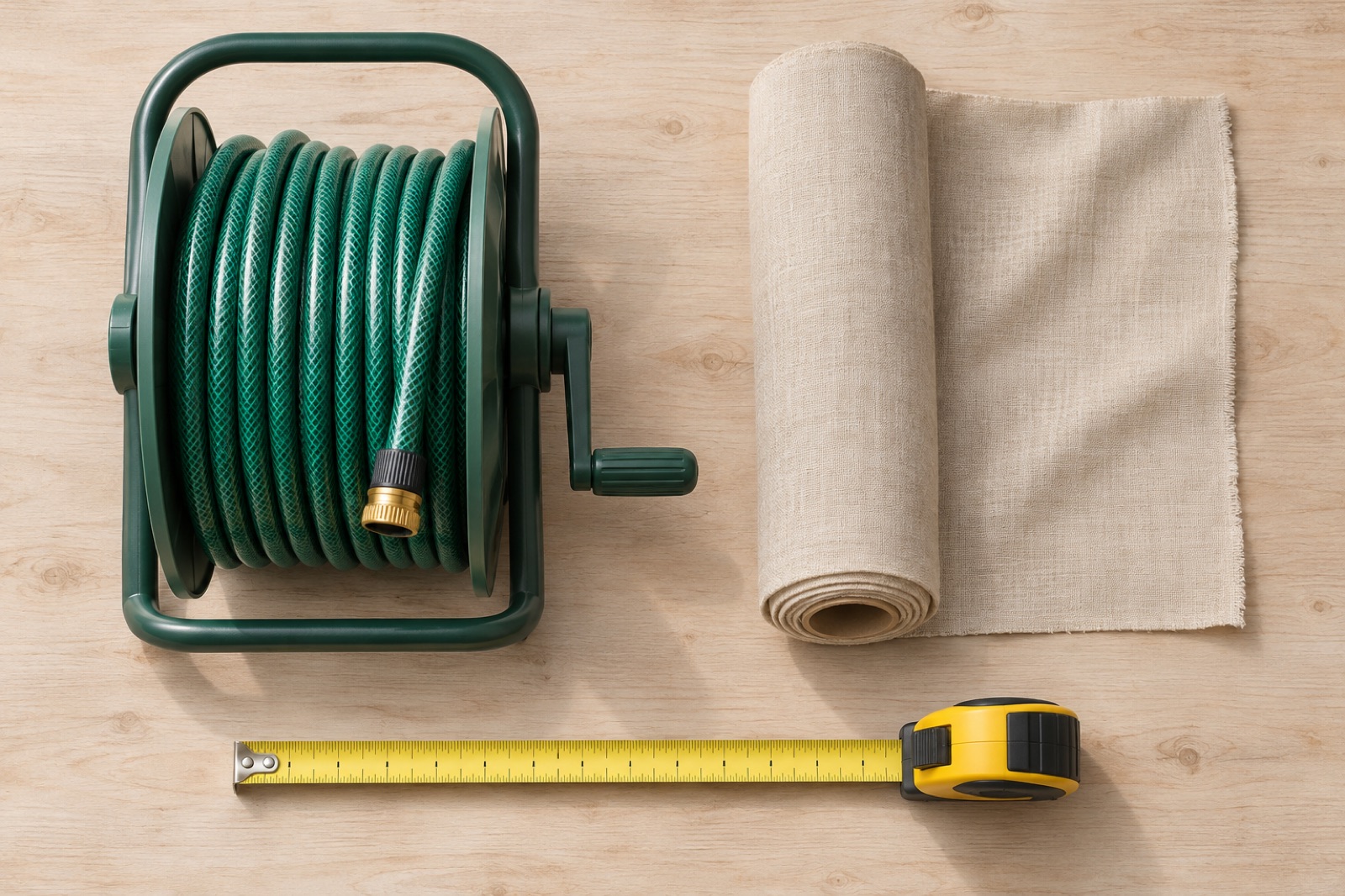
Short answer: how merchants sell by length on Shopify
Shopify has no native sell-by-length unit, and the quantity field only accepts whole numbers. To sell by length you define a base unit (metre, foot, piece), then enforce a minimum, an increment and rounding so every cart quantity maps to a cuttable, shippable amount.
This article is built around the questions that keep recurring in r/shopify and Shopify Community threads. We are paraphrasing common question patterns, not quoting or citing specific posts. For each one you get a direct answer and a worked example with the quantity, the rounding and what lands in the cart. If you want the step-by-step build afterwards, use our full setup guide for minimums, increments and rolls.
The three routes in one paragraph
Merchants generally pick one of three routes: quantity-as-length (relabel Quantity so 1 unit equals 1 metre or foot), fixed cut-length variants (one variant per length), or a calculator with cart rules (the shopper enters a length, rules convert and round it, and the cart receives a valid quantity). Quote forms and emailed cut lists are a fourth, manual fallback.
Which route fits which store
| Situation | Route that usually fits |
|---|---|
| Few lengths, all standard (5 m, 10 m, 25 m) | Fixed variants |
| Sold per whole metre or foot, trained staff, small catalog | Quantity-as-length with min and max |
| Half-metre or fractional steps, allowance for waste, sold in packs | Calculator with rounding rules |
| Complex cut lists with per-cut instructions | Line item properties or quote workflow, with a process on your side |
What Reddit and forum threads usually suggest (and the pattern they miss)
Advice you will see: relabel Quantity, add min/max, make variants
Typical thread replies fall into a few buckets: "just treat quantity as metres," "add a minimum and maximum order quantity," "make a variant for each length," or "use a quote form." Each of these is reasonable for the person asking, and most are posted in good faith by merchants who made it work for their own store.
Why the answers feel right but fail at order 50
Most threads solve the product page: how the shopper picks a length. They rarely follow the order downstream to the cart line, the packing slip, the inventory count and the return. A setup that looks fine in a screenshot can still produce a pick list that says "102" with no unit, or a customer who rounded their own order wrong.
Keep one rule in mind through the examples below: the price unit and the inventory unit must match. If you price per metre, stock for that product must be counted in metres (a 100 m roll is stock 100), not rolls.
Question 1: How do I sell fabric by the metre or yard when customers need 3.2 m?
Set a base unit (1 metre), a minimum, and an increment that matches how you actually cut, then round the customer's length up to the next valid step. Whole-number quantity means a plain Shopify product can only sell 3 m or 4 m, not 3.2 m, unless you change the base unit or add rules.
Worked example: $14.00/m, 2 m minimum, 0.5 m increment
- Customer needs: 3.2 m
- Minimum 2 m: passes
- Increment 0.5 m: 3.2 rounds up to 3.5 m
- Catalog price $14.00/m: 3.5 x $14.00 = $49.00
- Inventory: a 100 m roll drops to 96.5 m
For the 96.5 to work, the inventory has to be tracked in metres. Shopify inventory is whole numbers too, so a half-metre increment means either tracking in half-metre units or accepting that fractional deductions need a smaller base unit (see Question 3).
Where quantity-as-length breaks
Quantity-as-length works cleanly for whole metres. It stops at 3.2 m: the shopper must guess, and many will order 3 and be short, or order 4 and pay for more than needed. You also have no place to keep their original measurement, so support has to ask what they meant when something looks off.
For fabric specifics (repeats, widths, cut policies), see selling fabric by the yard or metre and the Shopify fabric calculator page.
Question 2: How do I sell hose or rope cut to length from a spool?
Decide whether you sell by the foot (any length up to a max) or in fixed pack lengths (25 ft, 50 ft). If shoppers have a required run length and you sell in packs, convert the run plus an allowance into packs and round up.
Worked example: 47 ft needed, 25 ft lengths, 5% allowance
- Required length: 47 ft
- Add 5% allowance for fittings and trimming: 47 x 1.05 = 49.35 ft
- Pack length: 25 ft, so 49.35 / 25 = 1.974
- Round up: 2 packs, which is 50 ft
- Cart result: 2 x 25 ft hose, with the 47 ft requirement kept as the measurement
Compare that with a variant for every foot: 47 ft hose would be one of dozens of near-identical variants, each needing its own price, SKU and stock. Nothing in that setup tells the shopper that 47 ft with a 5% allowance needs 50 ft.
Worked example: 100 m roll with 50 m max per order
For rope or cable cut from a roll, set a maximum per order so a single order can't take most of the roll in an uncuttable chunk. With a 100 m roll and a 50 m max, a customer entering 62 m should be stopped or told the limit before checkout, not after you read the order. Whether you cap at 50 m or at remaining stock is a business decision: capping at a fixed number is simple, tying it to stock needs checking against your own inventory process.
Question 3: Can I sell fractional units like 1.2 m or 2.5 yd?
Not with a standard quantity field. Shopify quantities are whole numbers, so fractional lengths need either a smaller base unit (the 10 mm trick below) or a calculator that converts the shopper's length into a valid whole-number quantity.
The 10 mm base-unit trick: what the cart and packing slip show
The trick: price and stock the product per 10 mm, then tell shoppers that quantity 1 = 10 mm.
Worked example: 1020 mm as quantity 102
- Customer needs 1.02 m = 1020 mm
- Base unit 10 mm: 1020 / 10 = quantity 102
- At $14.00/m, the catalog price per 10 mm unit is $0.14, so 102 x $0.14 = $14.28
- A 100 m roll is 10,000 units of stock
What the cart and packing slip show: "Quantity: 102" and "$0.14 each." Someone picking the order has to know that 102 means 1.02 m. Misreads we would expect: a warehouse worker treating 102 as 102 pieces, a customer confused by a $0.14 unit price, and stock numbers in the thousands that are hard to eyeball.
When a smaller base unit is acceptable
The trick is good enough when your catalog is small, the same trained people pick every order, and customers rarely need to see the unit. It gets painful when product pages are customer-facing, when you have many SKUs with different base units (10 mm here, 0.5 yd there) or when returns require someone to reverse-calculate. A decision rule: if a new hire would need a note to read the packing slip, move to rules that keep the real measurement visible.
For yards, the same logic applies: 2.5 yd is 90 in, so a 1 in base unit gives quantity 90, while a 0.5 yd base unit gives quantity 5.
Question 4: Why not just create a variant for every length?
Because it multiplies upkeep and still doesn't cover lengths you didn't list. Shopify caps the number of variants per product (check the current limit in the Shopify Help Center), and every price change touches every variant.
Variant limits and catalog upkeep
Fixed variants are the right answer when you truly sell a handful of standard lengths. They are the wrong answer when customers have arbitrary requirements, because you either add more variants forever or force customers to round on their own. Our comparison of which custom size pricing method works walks through the trade-offs of each approach.
Worked example: trim 38 ft, 8 ft pieces, 10% waste
- Needed: 38 ft
- Add 10% waste: 38 x 1.10 = 41.8 ft
- Piece length: 8 ft, so 41.8 / 8 = 5.225
- Round up: 6 pieces, which is 48 ft
Now the hand-rounding risk. A customer who sees 5.225 and rounds to 5 buys 40 ft. That covers the raw 38 ft but is 1.8 ft short of the allowance you wanted them to have, and on a mitred corner run that shortfall is exactly the problem. Multiply that by every order and you get remakes, reship requests and returns that trace back to arithmetic done in the shopper's head.
Quote forms and emailed cut lists: the hidden cost
A quote form gets the right quantity eventually, but each order needs someone to read it, calculate, reply and often create a draft order or a custom link. That works at low volume. As orders grow, the cost is staff time and slower checkout, and customers who wanted to pay now may go elsewhere. We won't put a number on this, because it varies by store, but it is worth tracking how many hours per week your team spends on length quotes.
Question 5: What about multiple cuts in one order?
Sell by total length with an allowance, or separate products per cut type. A calculator that turns one measurement into a quantity does not manage a list of individual cuts with instructions.
Total length vs cut list
Example: three cuts of 4.2 m, 2.7 m and 1.1 m.
- Total: 4.2 + 2.7 + 1.1 = 8.0 m
- With a 5% allowance: 8.4 m
- Rounded to a 0.5 m increment: 8.5 m
If instead each cut were rounded to a 0.5 m step on its own, you'd get 4.5 + 3.0 + 1.5 = 9.0 m. Rounding the total is cheaper for the customer, but only works if you can cut those pieces from one continuous length, which is a question for your cutting process.
What you can and cannot do with a single measurement-to-quantity calculator
A calculator can turn a measurement into a purchasable quantity and keep it in the cart. It is not a cut-list builder. If you need each cut's length and label on the order, you'll need line item properties, order notes or a separate workflow on your side, and you should say so in your product copy.
How Shoperize Price Calculator handles length rules
Shoperize Price Calculator is live on the Shopify App Store. It turns shopper area, dimensions, length, volume or weight into purchasable Shopify product quantities, coverage and estimated totals.
What you configure: unit conversion, waste, package coverage, rounding, limits, product assignments
- Unit conversion: let the shopper enter feet, metres or yards while your product is sold in your catalog unit
- Waste: add a percentage like the 5% on hose or 10% on trim
- Package coverage: set what one purchasable unit covers (25 ft, 8 ft)
- Rounding: round up to whole packs or your chosen step
- Limits: minimums and maximums
- Product assignments: choose which products use which rule
You can create rules manually, from templates, or as editable AI drafts (plan limits apply). Always review a draft against your own cut and stock rules before publishing.
What stays in the cart
The shopper's measurement stays in the cart, and coverage updates when quantities change. For the trim example, the cart line is 6 pieces with the 38 ft requirement still attached, so nobody has to reverse-engineer what the customer meant.
What it does not do
- Shopify catalog prices determine charges. It does not replace line prices with arbitrary custom amounts.
- It is not a cut-list builder (see Question 5).
- We make no claims here about quantity discounts, processing fees or multi-product bundles.
- Plan fit matters: Free supports one published area calculator on up to three products, and advanced capabilities depend on the plan. Check the App Store listing for which plan covers your length use case before you plan a catalog-wide rollout.
Pre-launch test checklist for any length setup
Whichever route you choose, test it as a customer before launch. Our 7-point calculator test checklist for flooring is a good model of the discipline, and it transfers to length products.
Test 1.2 m, minimum, exact increment, over maximum
- Enter a fractional length such as 1.2 m and confirm the rounded result.
- Enter exactly the minimum and exactly one increment above it.
- Enter a length over the maximum and confirm it is blocked or clearly explained.
Check cart, checkout, packing slip, inventory deduction
- Change the cart quantity and confirm the measurement and coverage update.
- Place a test order and read the packing slip as a picker would.
- Check inventory: a 3.5 m order should deduct 3.5 m (or 35 units of 0.1 m), not 1.
Update product copy and returns policy for cut-to-order items
- State the increment, allowance and whether cut lengths are returnable, since cut-to-order items are often final sale.
When you are ready for the full build, follow the full setup guide for minimums, increments and rolls.
If you sell fabric, hose, cable or trim and want shoppers to get a valid, rounded quantity without guessing, you can install Shoperize Price Calculator from the Shopify App Store, read the details at calculator.shoperize.com, and find setup help at help.shoperize.com.
Frequently Asked Questions
Can Shopify sell by length natively?
No. Shopify has no built-in sell-by-length unit, and the quantity field takes whole numbers. You define a base unit such as a metre or foot, then use minimums, increments and rounding rules, or an app, so quantities map to real cut lengths.
Can I sell fractional lengths like 1.2 m or 2.5 yd?
Not directly, because quantities are whole numbers. You can use a smaller base unit (for example 10 mm or 1 inch) so 1.2 m becomes quantity 120, or use a calculator that converts and rounds the shopper's length into a valid quantity. The smaller base unit is simpler but harder to read in the cart and packing slip.
How do I set a minimum and increment?
Choose the smallest length you will cut and the step you can actually cut in, such as a 2 m minimum and 0.5 m increment. Then enforce both in the cart, either with quantity rules or a calculator, and round shopper lengths up to the next valid step. Test a fractional length, the exact minimum and an over-maximum entry before launch.
Is selling by length different from selling by weight?
The mechanics are similar: a base unit, minimum, increment, rounding and matching inventory units. The difference is the cutting: lengths come from a roll or spool with cut waste, while weight sales depend on scales and packaging. In both cases the price unit and inventory unit should match.